
Functions: Communications - Invites
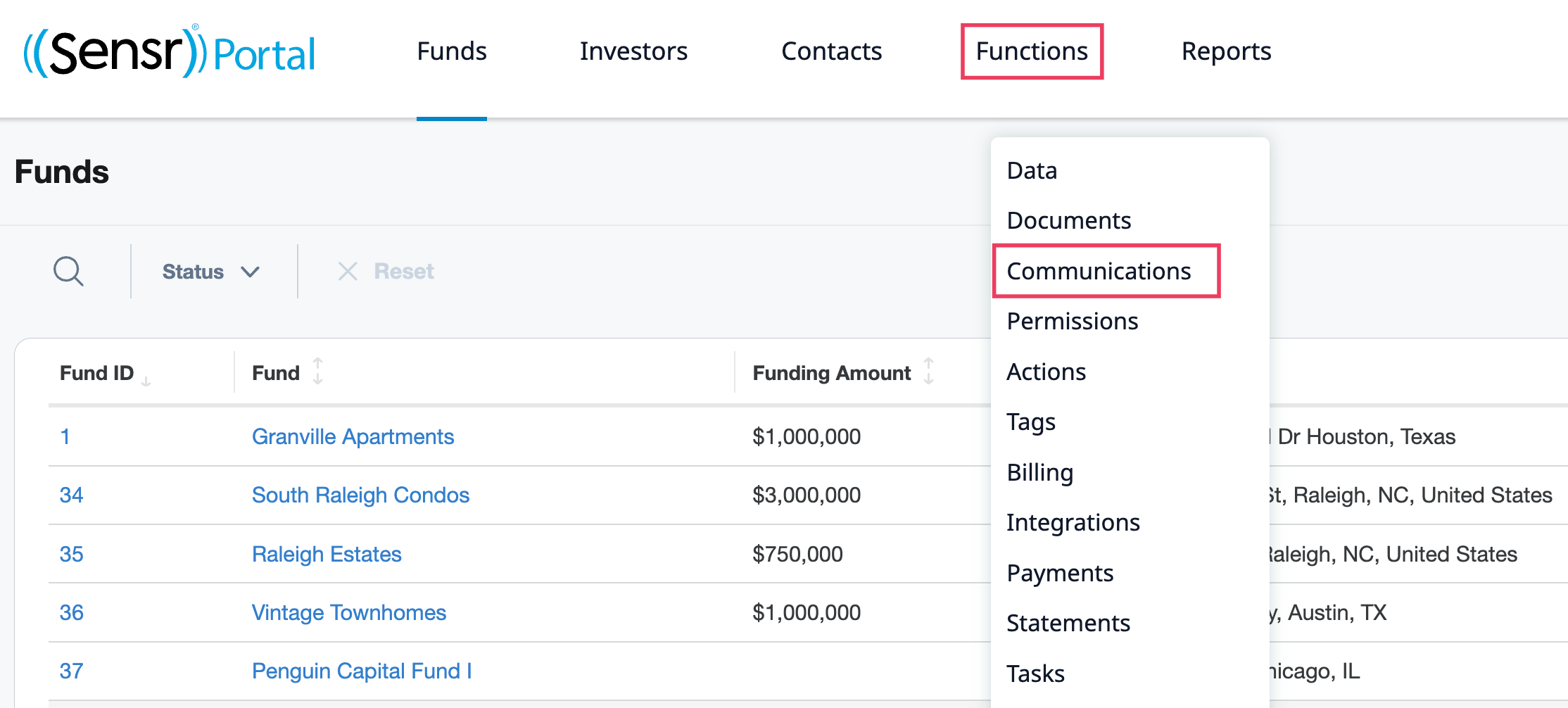
The Invites tab is located under Functions > Communications. Here admins can select to invite new contacts to sign in to the portal - individually or in bulk - and preview the email prior to sending using the Test Invite button. Admins can use the available filters to refine selections as needed.
Access the Invites Feature
- Navigate to Functions > Communications.
- Click the Invites tab. Use the available checkboxes and filters to locate and select which contacts to invite to the portal.
- Click the Send Invite button.
NOTE: The Send Invite button is disabled until at least one contact is selected.
Use the Test Invite Button
The Test Invite button is a safe way for admins to preview the invite email and double-check everything looks right - correct wording, links and formatting - before sending it out to contacts.
IMPORTANT: Sending a test invite does not count as an actual invite: the contact's invite status and password stay untouched, so nothing is triggered on their end.
-
Click Test Invite to access the popup and select from the View as and Send test invite menus. The selected admins get a copy of exactly what the contact would see in their inbox.
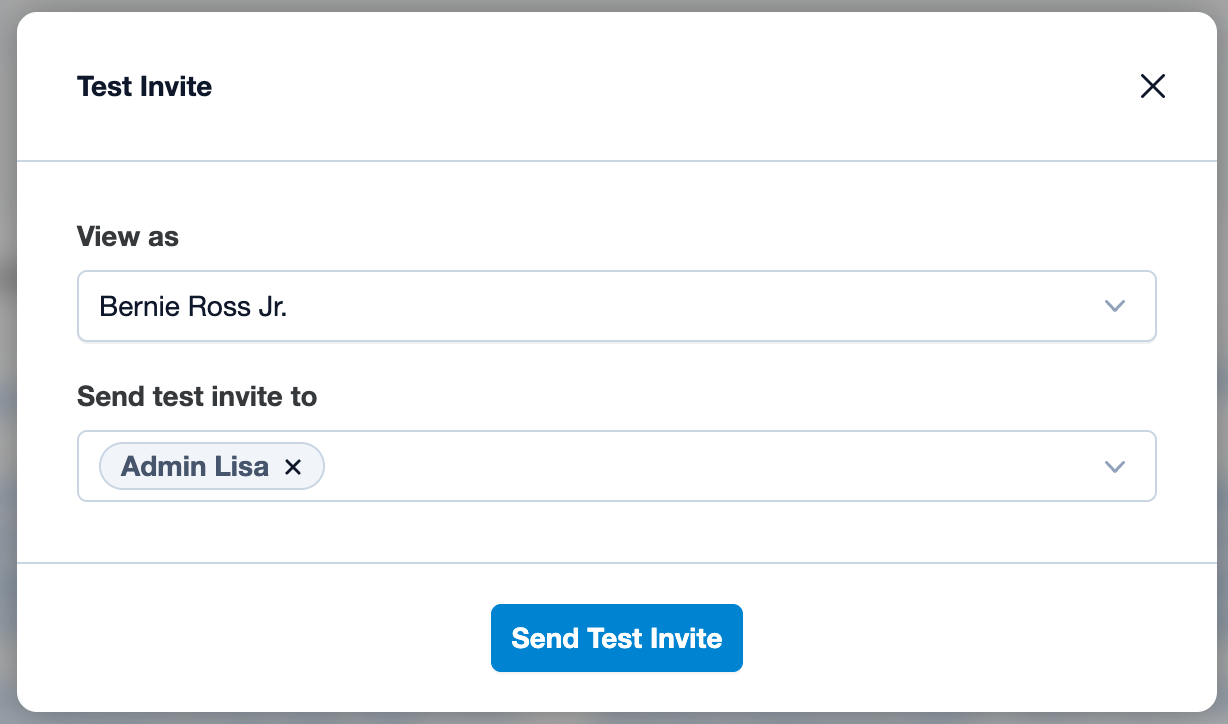
- Click Send Test Invite.
- A green alert appers to notify the test email for "X" contact has been sent to "X" admins.

Use Filters to Select Contacts
Use the optional filters to select which contacts to invite to the portal. The sample below displays two filters are being applied. Use the checkboxes to select some or all contacts and click Send Invite.
- Search - contact ID, contact, email
- Investor - select from a list of investors.
- Fund - select from a list of funds.
- Activity - select from:
- Invite not sent - applies to any contact who has not yet received an invite.
- Password not reset - applies to any contact who has never previously been invited to the site or had their password reset, whether that be through using the Forgot your password functionality on the login page or having their password manually set by an admin.
- Never logged in - applies to any contact who has never logged into the site, regardless of whether they have been previously invited.
- Tag - select from the available tags to only invite specific investors based on the assigned tag.

TIP: To prevent emails being accidentally sent to contacts who have opted out of receiving email notifications, the Send Invite checkbox is disabled, as indicated in the image above.