
Delete Distributions
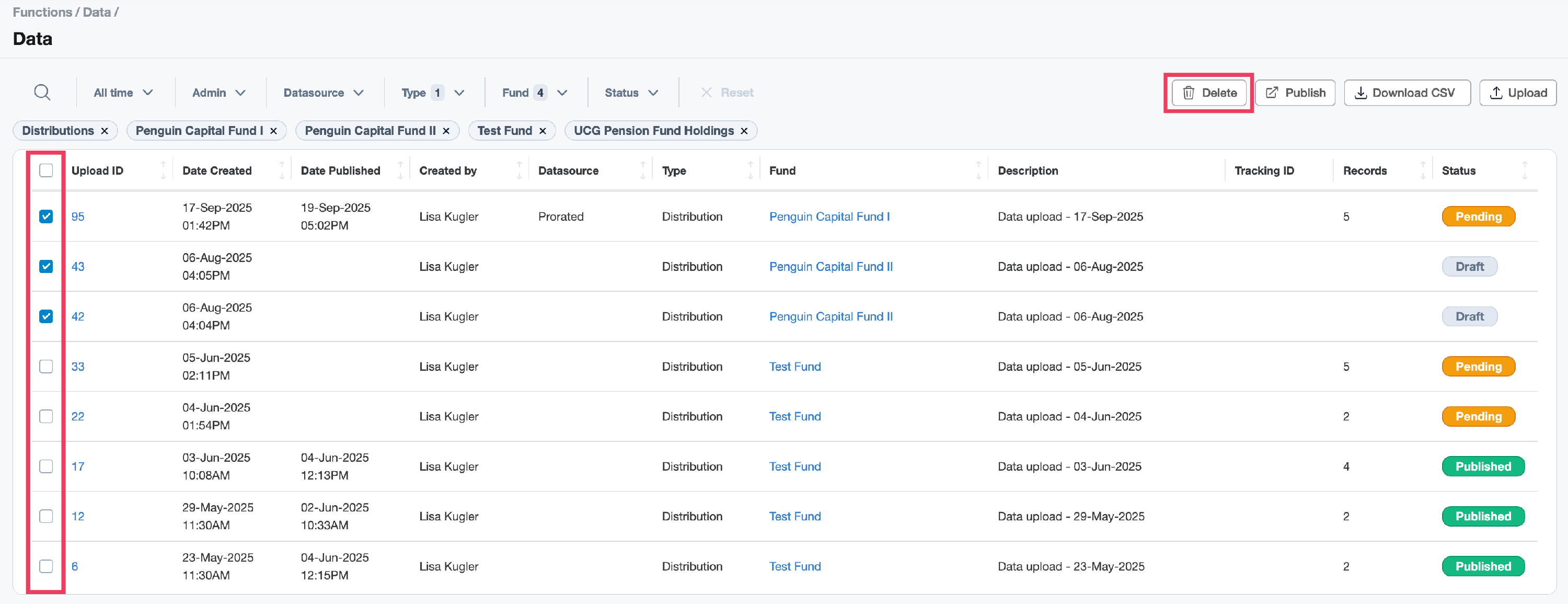
- To delete distributions, navigate to Functions - Data Uploads table and locate the related Distributions Upload ID. Use the available filters to assist you.
-
Use the check boxes to select the related distribution and click the Delete button.
-
A popup appears to confirm the action. Click OK.
IMPORTANT: Deleting a Data upload is an irreversible action, however you can use the Data Wizard to perform a new upload as needed.