Manage Read-only Documents
Overview
PDF Documents in the portal can be set to “read-only” status. Read-only status limit the ability of investors to print or save documents.
Identify Read-only Documents
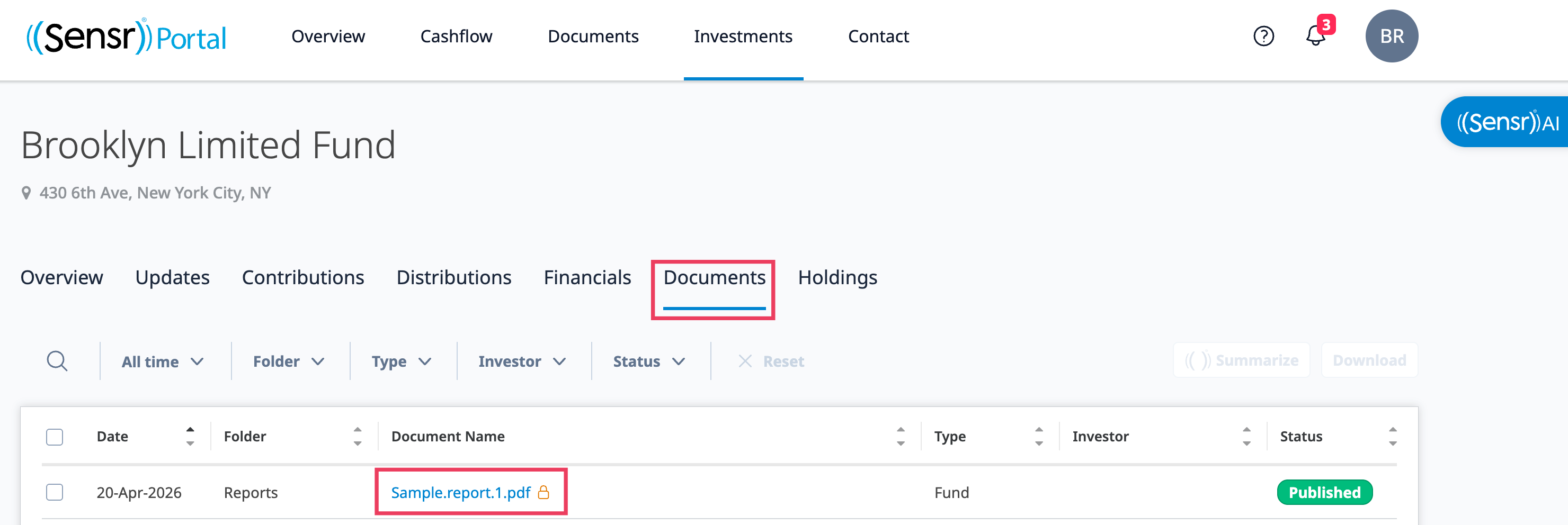
Read-only documents are easy to identify. Look for the lock icon located to the right of the filename.

Create Read-only Documents
Read-only documents can be created in two ways:
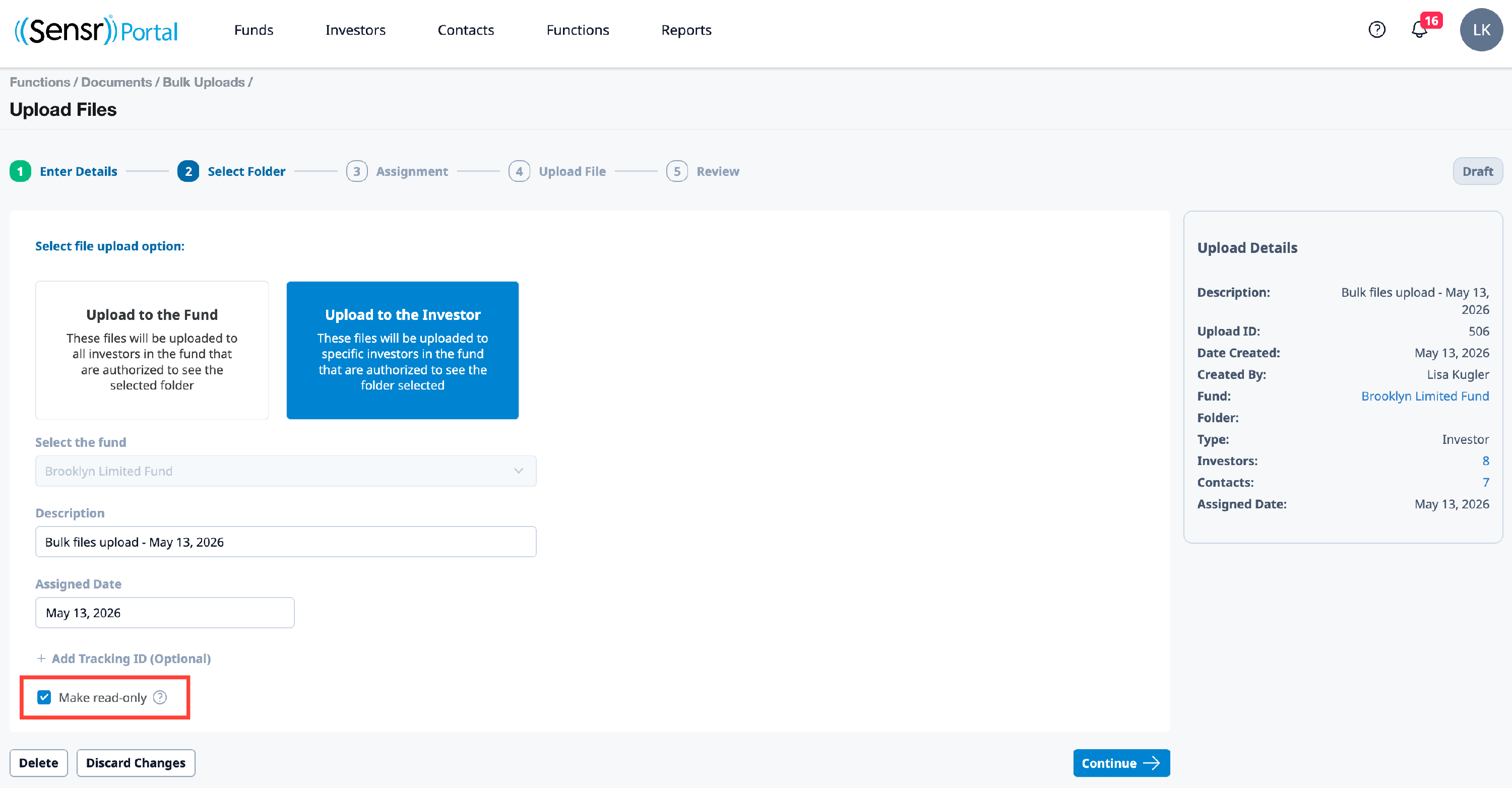
- File Wizard - Step 1: Enter Details, use the checkbox to Make read-only when new documents are uploaded
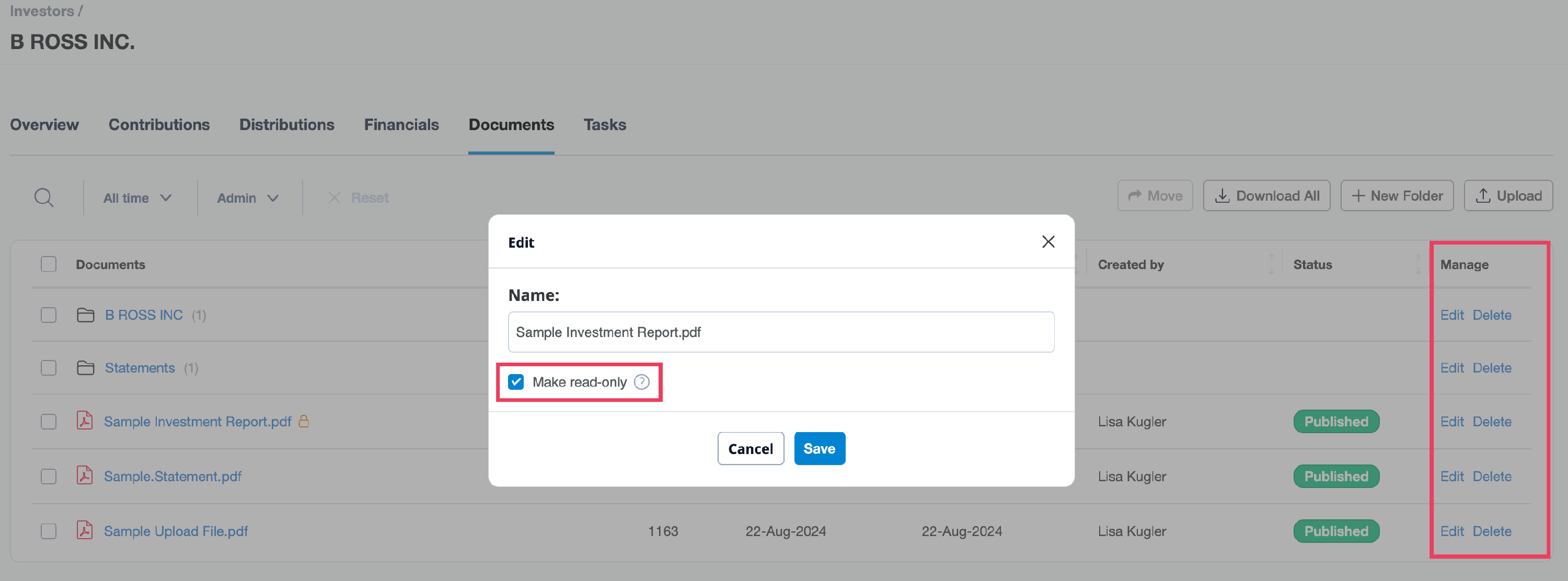
- Existing Documents - navigate to the Documents tab on either the Fund, Investor, or Contact Details pages. Use the Edit option located under the Manage column to select the Make read-only checkbox and click Save.