
Fund Details Page: Requests Tab
The Requests tab displays a list of all investment requests for the related fund. Investment requests offer an optional form for investors to express interest in a current opportunity. In addition, admins can also create an investment request on behalf of the contact. Once an investment request has been received, an admin can view, edit and accept investment requests per their internal processes.

Add a new Investment Request
To add an investment request manually on behalf of a contact, click the +Add button, complete the fields and click Submit.

Manage Investment Requests
After an investment request has been received, the admin can perform the following functions:
- View
- Edit
- Accept
- Cancel
- Revert to pending *only for Cancelled or Accepted requests

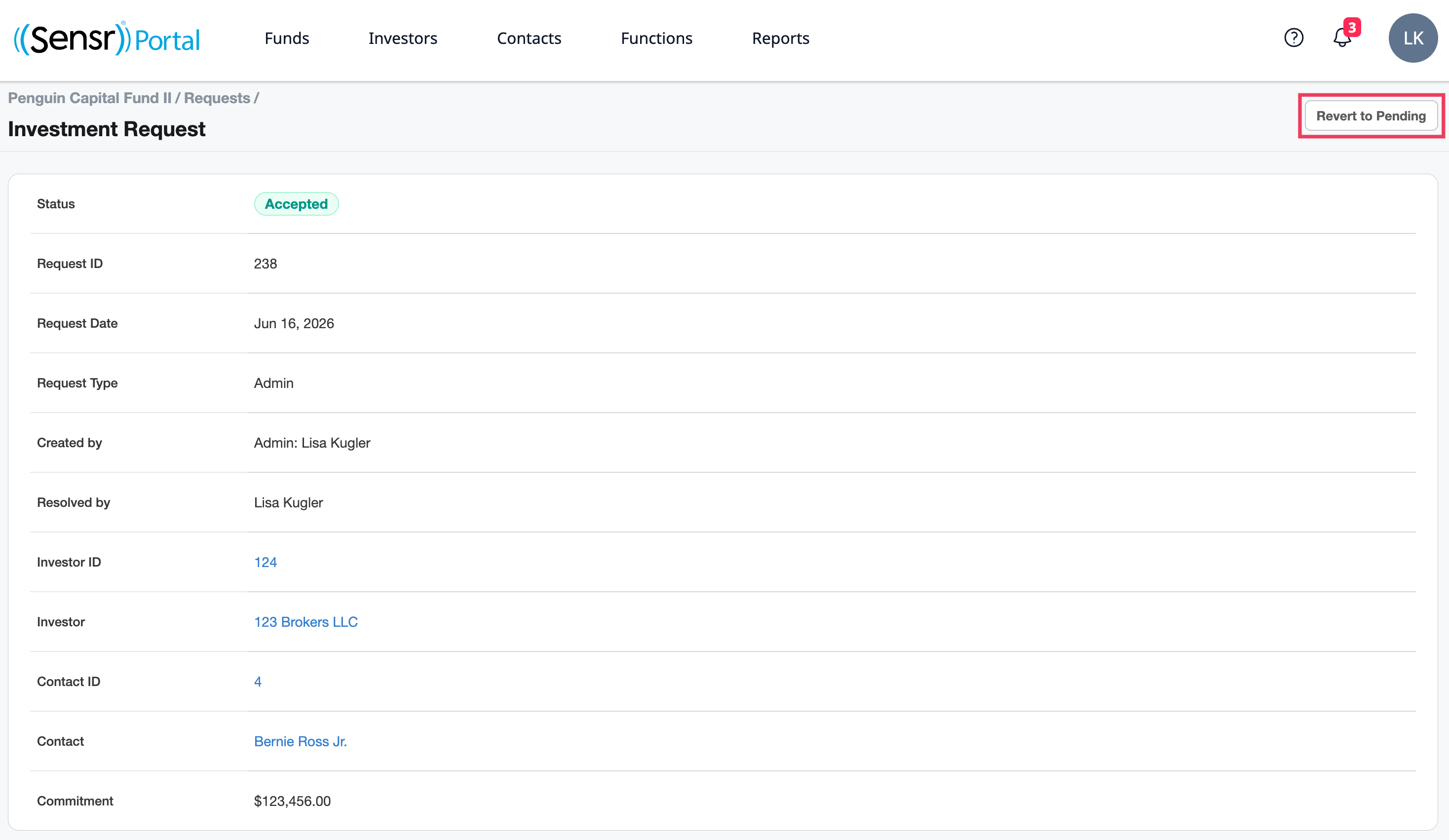
TIP: For any request with a Cancelled or Accepted status, use the Revert to Pending button to reopen the request and modify, as needed.
View
Click Request ID to see the details of the Investment Request.

Edit
Click Edit to open the form and modify the Investment Request Commitment amount as needed.

Cancel
An investment request with a Pending status can be cancelled, if needed. Under the Manage column click Cancel. Confirm the browser popup. A green banner appears to verify the investment request was successfully cancelled.

Revert to Pending
Investment requests with an Accepted or Cancelled status can be reverting to a Pending status, if needed. On the Requests tab click the related Investment ID to access the Revert to Pending button. Confirm the browser popup. A green banner appears to notify the investment request was reverted to pending.
IMPORTANT: The Requests tab is an administrative tool only. the status of investment requests has no impact on the data tables of the funds. For an investor to be assigned to the fund and uploaded with financial data, the investor needs to first be assigned to the fund and their financial data uploaded, if needed.