
Contacts Page Overview
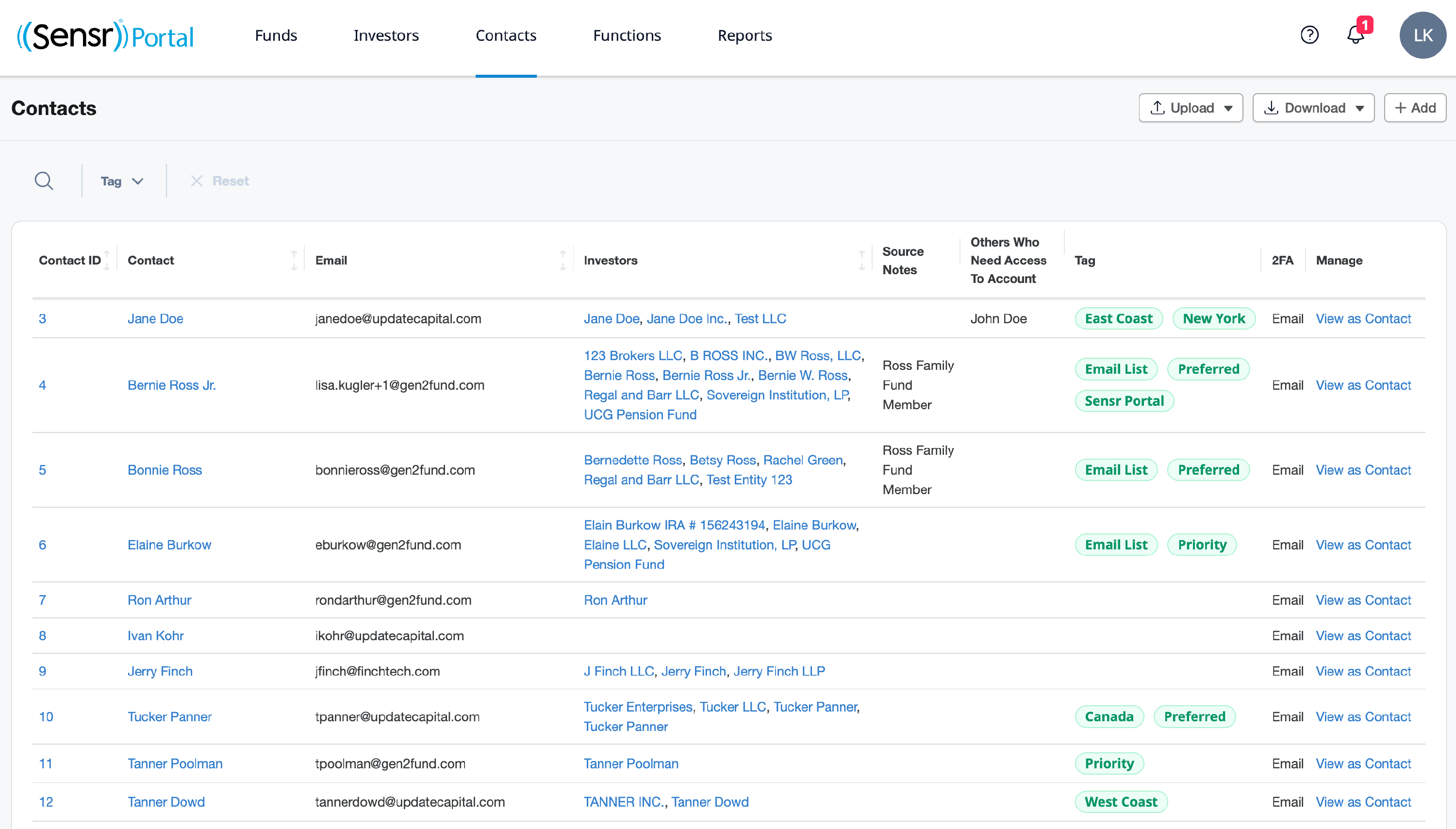
The Contacts page offers a centralized location for admins to manage all contacts in the portal. It displays a comprehensive list of contacts, including key details such as the associated investors, and options edit contact details and view the portal as contact. Admins can add new contacts, bulk delete contacts, as well as upload and download the contacts table to streamline management of investors.
TIP: This page can be configured with CRM fields. Contact Portal Customer Success for details.